Make QR codes that never expire
The Create tab in QR Code Scan Kit makes QR codes for links, text, Wi-Fi, contacts, email, phone, SMS, events and places, social codes for WhatsApp, Instagram, YouTube, Facebook, X, LinkedIn and Telegram, and shop barcodes. They are static codes: the information is inside the code, so they never expire and keep working even if you delete the app.
 Coming soon
iPhone · iPad · iPhone Duo
- 01
Pick what the code is for
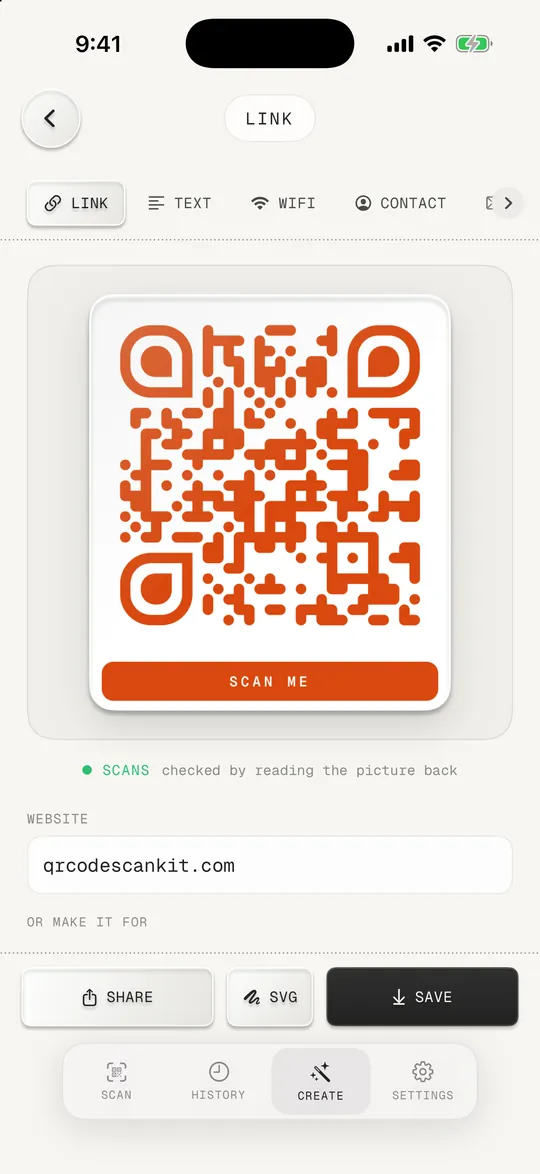
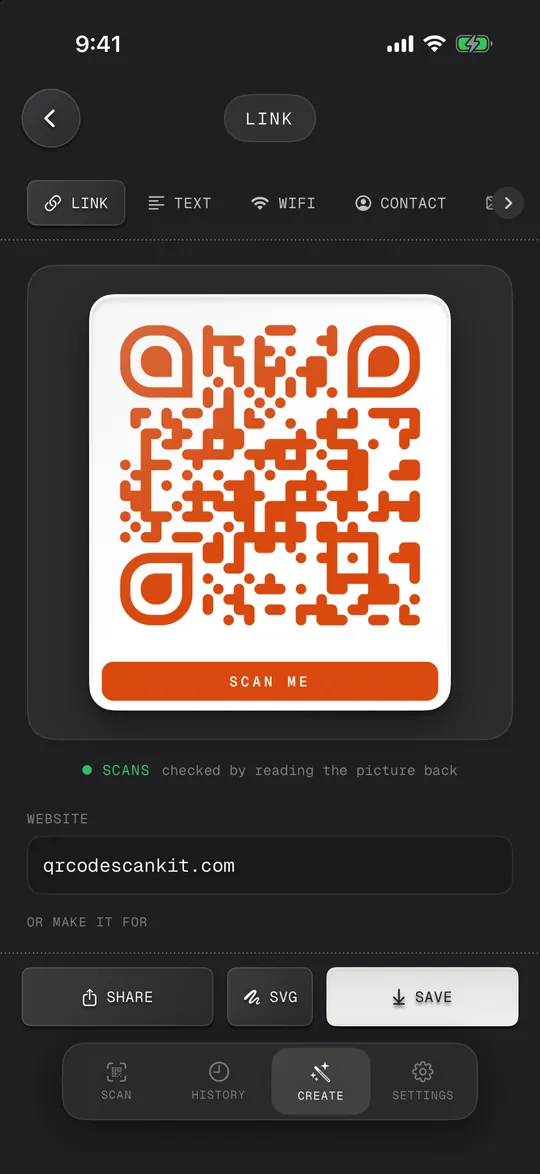
Open Create and tap a type: a link, Wi-Fi, a contact, a WhatsApp chat, an EAN-13 barcode and so on.
- 02
Fill in the details
The code draws itself as you type. A tag under it says "Scans" once the app has read the picture back.
- 03
Make it yours
Choose a shape, a colour and a logo, and a frame or a caption such as "Scan for Wi-Fi". Links get the site's own icon in the middle.
- 04
Save, share or print
Save it to Photos, share it, print it or export it as SVG for sharp printing.
Social codes
Type a username or number and get a code that opens your WhatsApp chat or your Instagram, YouTube, Facebook, X, LinkedIn or Telegram profile, with that network's logo in the middle.
Shop barcodes
EAN-13, UPC-A, UPC-E, EAN-8, Code 128, Code 39, Code 93, ITF-14, ITF, Codabar, Data Matrix, PDF417 and Aztec, with the check digit added for you.
Checked before you print
Every code is read back by the app, so you know it scans before it goes on a menu or a window.
No account, nothing uploaded
Codes are made on your phone. There's no sign-up and no server in between, so nothing can switch your code off.
- No dynamic codes: you can't change a static code after printing, and there are no scan statistics.
- Selling products in shops needs barcode numbers from GS1; the app draws the barcode, it doesn't issue numbers.
Do QR codes made here expire?
No. They're static: the link or text is stored in the pattern itself, so the code works forever, with or without the app.
How do I make a QR code for my WhatsApp or Instagram?
Open Create, tap WhatsApp or Instagram under social, type your number or username and save the code. Scanning it opens your chat or profile.
Can QR codes be free?
A static QR code costs nothing to keep working. QR Code Scan Kit is free to download; some extra features are part of Scan Kit Pro, with options and prices shown in the app.